


Start your Smart Living now!
hansgrohe home app – For digital products
Do you want to make your home your custom comfort zone? Would you like to check the levels of your SodaBase in the kitchen sink on the go? Then take a look at the hansgrohe home app.
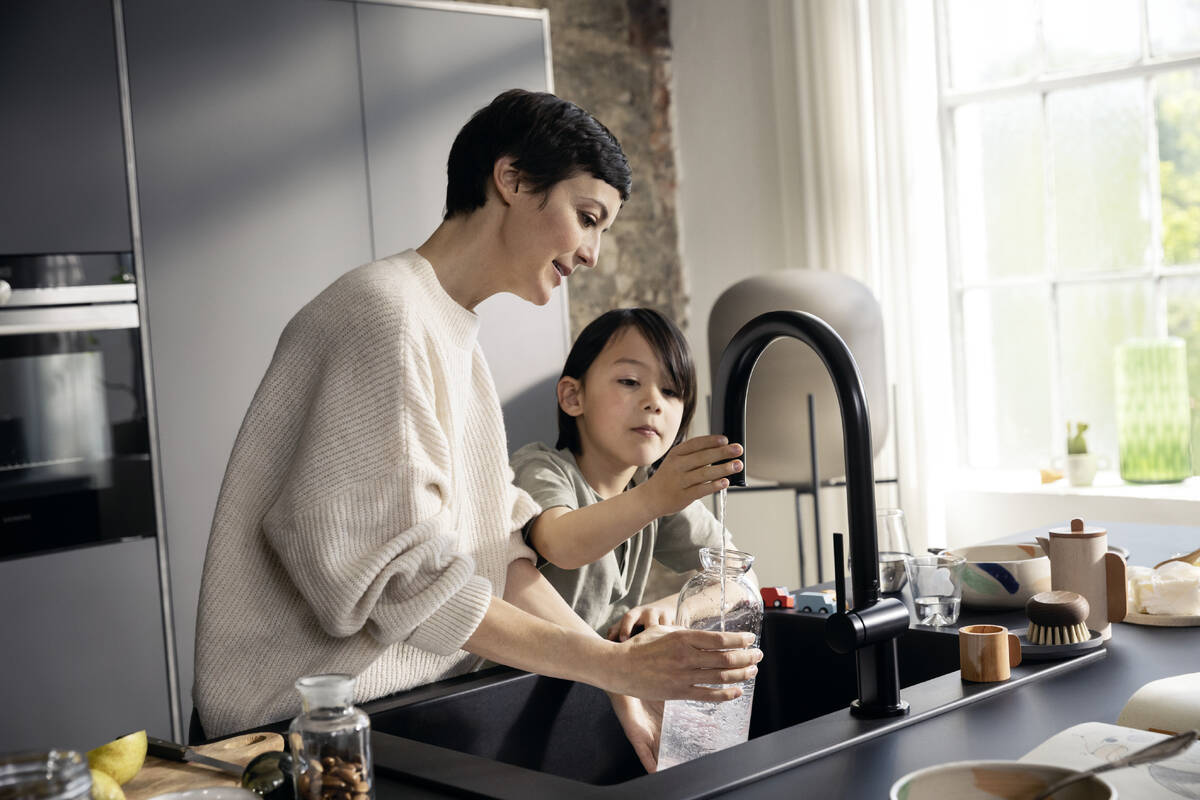
The hansgrohe home app for smart applications at home
Use the hansgrohe home app to monitor Aqittura M91 SodaSystem in your kitchen.
- With the Aqittura M91 SodaSystem, you can tap all the digital opportunities of our kitchen innovation. Use the hansgrohe home app to enjoy numerous convenient functions, such as displays for fill levels of filter and CO2 cartridges.
How to download the hansgrohe home app:
- You can find the app in the Apple App Store or on Google Play. Simply search for “hansgrohe home” and download.
- For this, you need the iOS 11/Android 6 operating system versions.
After downloading, you can connect to RainTunes and Aqittura M91. The app will guide you through the installation step by step.
How to commission Aqittura M91 SodaSystem
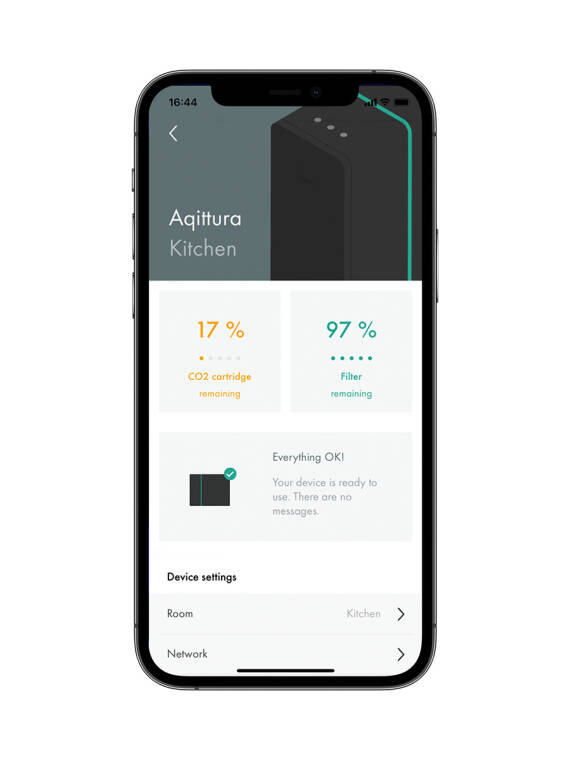
To control your Aqittura M91 SodaSystem, connect it to the hansgrohe home app. Create a link between the Aqittura M91 SodaSystem and your user account in the app with the following steps:
- Open the app’s navigation menu.
- Open the “Devices” page.
- Select “Add new device”.
- Select "hansgrohe Aqittura" from the list of compatible devices.
- Then follow the instructions in the app to set up the device. If you have any questions, you can find all the help you need in the app’s FAQs.
- The pairing process is complete when the Aqittura M91 SodaSystem appears on the device page in your app.
Trusted partners