Select technology: Controlling water precisely at the touch of a button
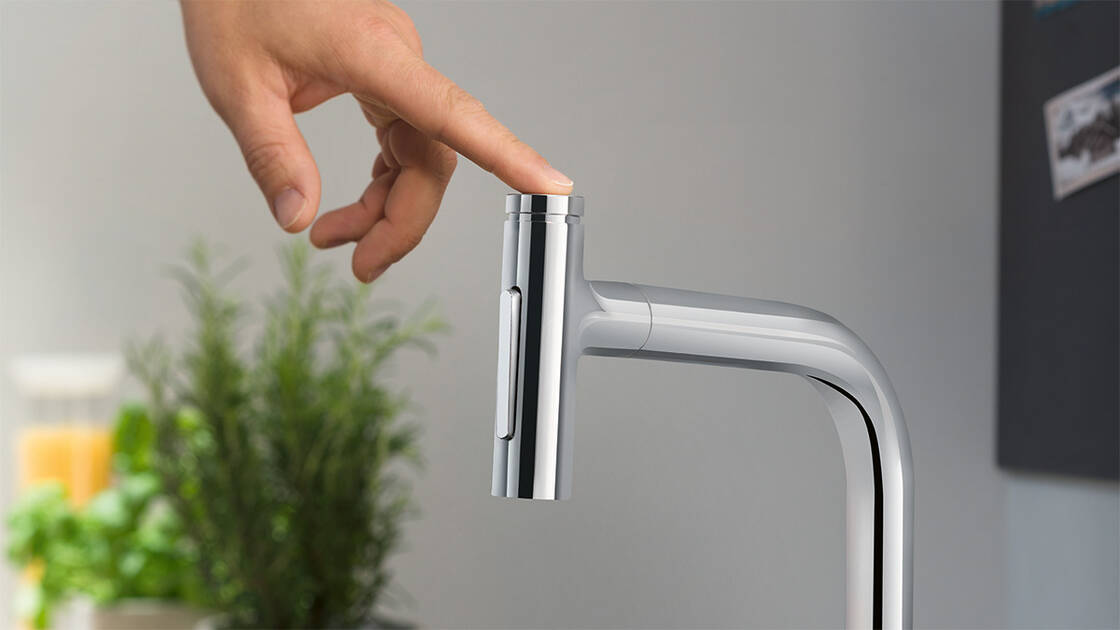
Do you love it when all your housework goes quickly? hansgrohe Select at the sink is an ergonomic operating concept that ensures smooth workflows. Simply start and stop the water flow or change spray modes at the touch of a button. The Select button can also be operated with the back of your hand or elbow to keep the faucet clean. This is comfort and convenience for all generations.
Faucets with Select make chores at the kitchen sink comfortable and convenient
With the Select function on modern hansgrohe kitchen faucets, you control water at the sink comfortably, conveniently and with precision:
- The easy way to switch spray modes: Use Select to instantly switch spray modes after moving the lever handle. Experience how Select simplifies kitchen chores.
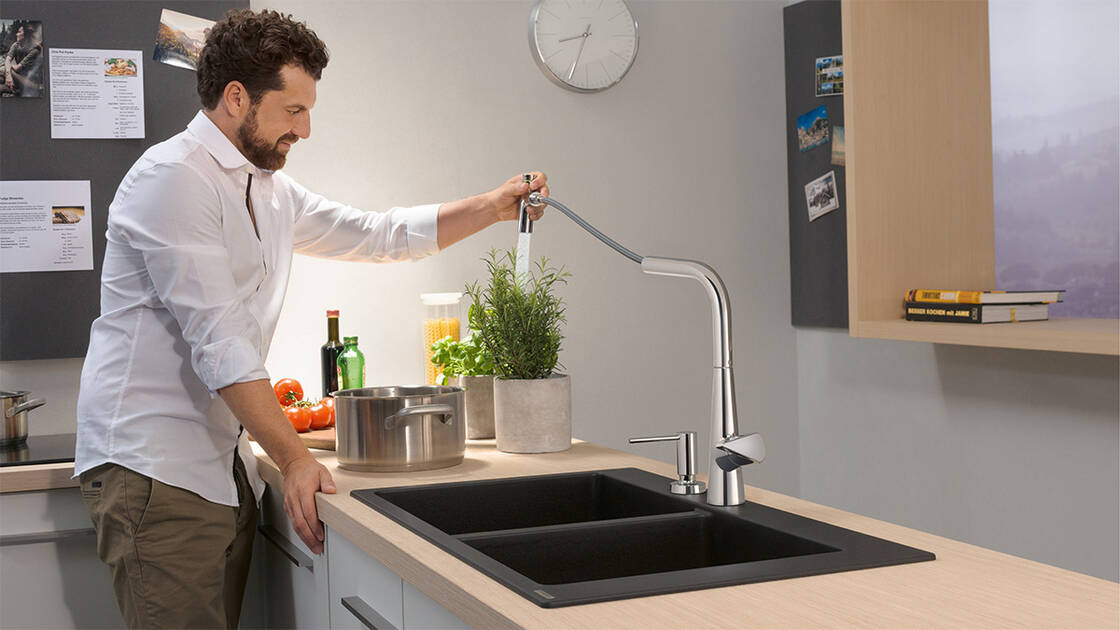
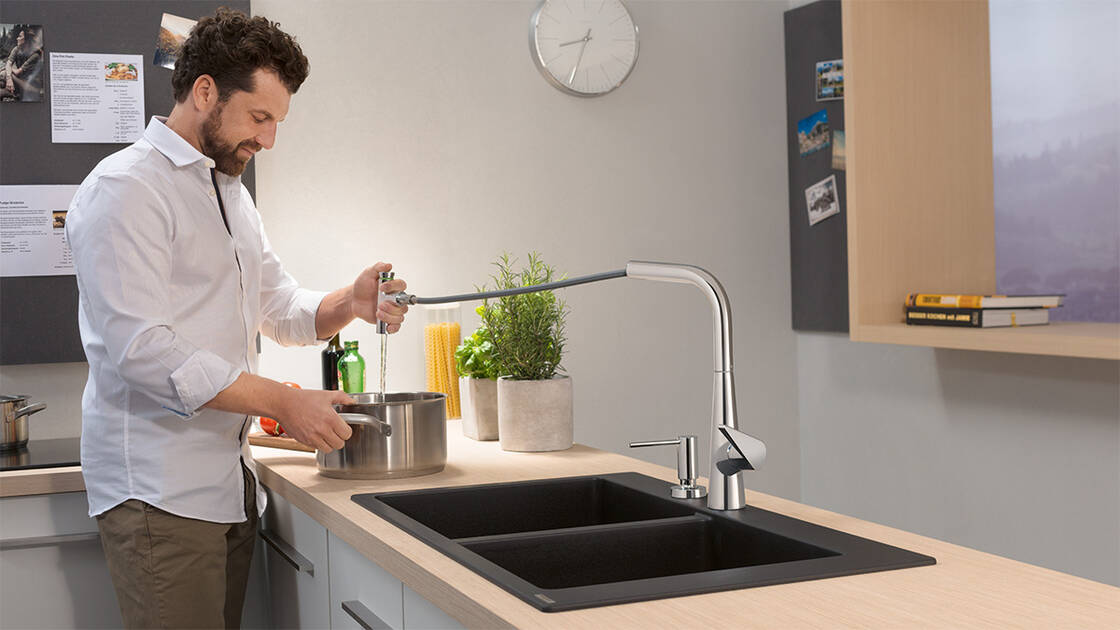
- An effective way to get things done: When the faucet is on, water flows at the chosen rate and temperature at the touch of a button. It’s just as easy to pause the water flow using the pull-out spray’s Select button. The pre-set water temperature remains constant here.
- Select technology is robust and works purely mechanically, without any electricity whatsoever. For lasting delight in the heart of your kitchen.
Water at the touch of a button
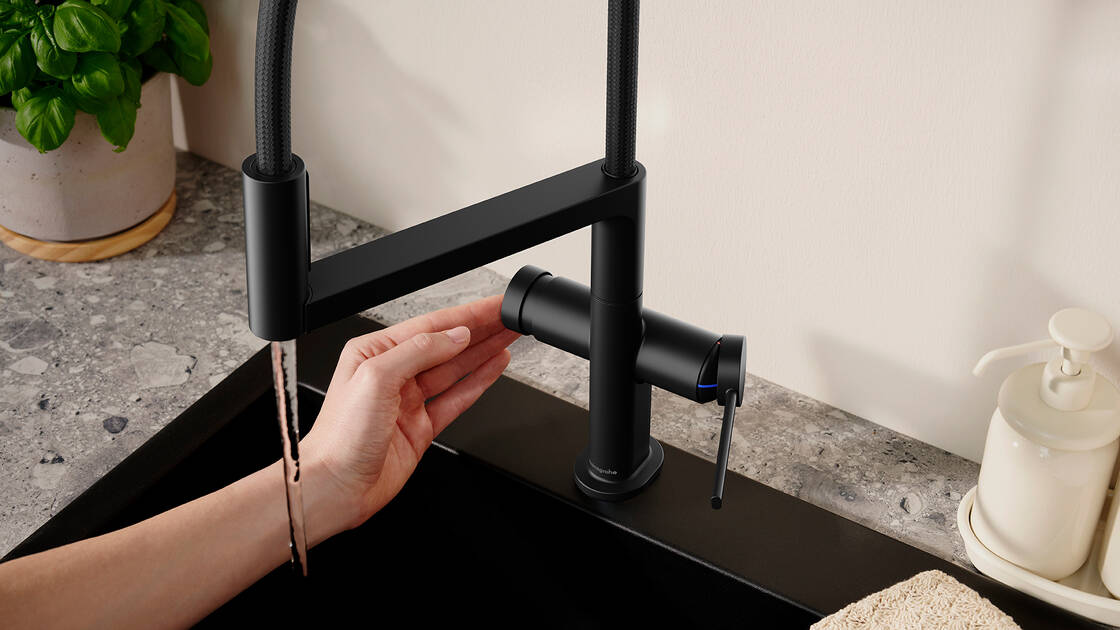
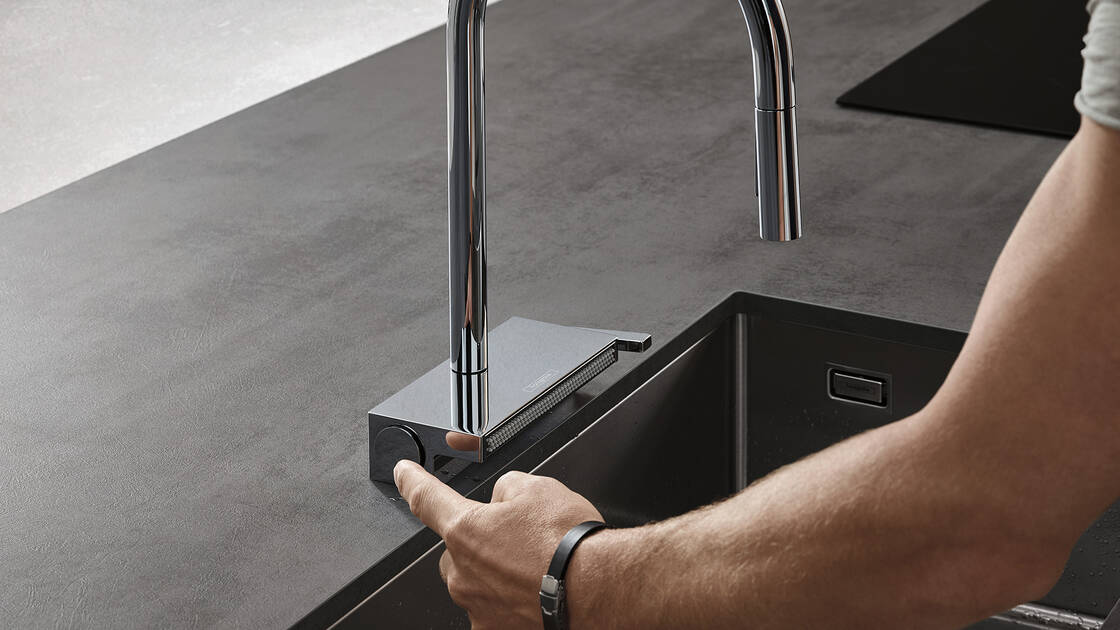
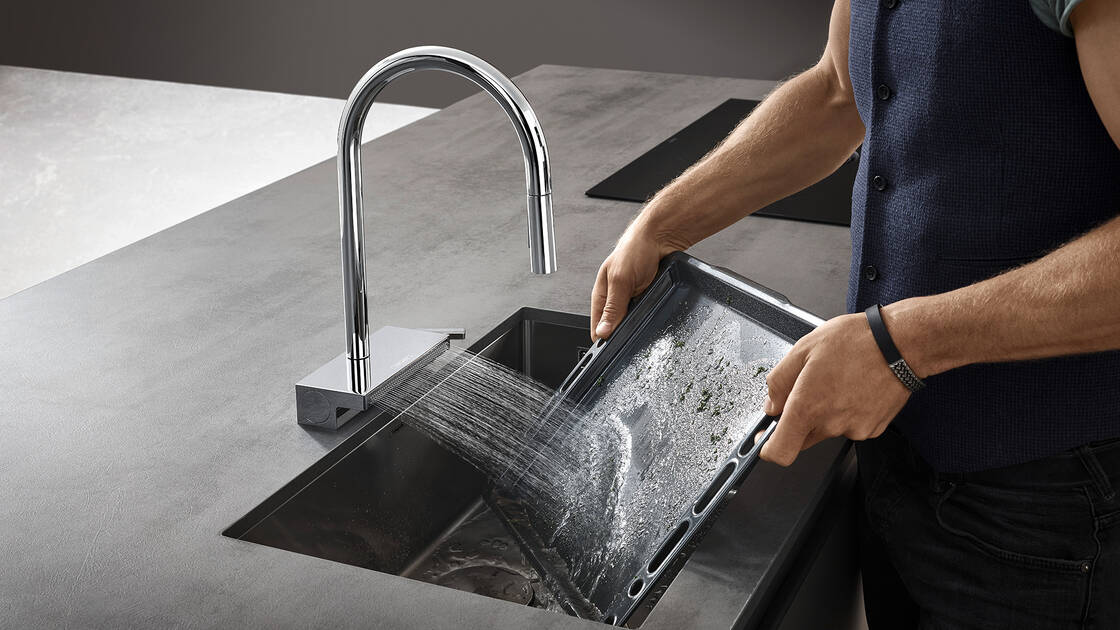
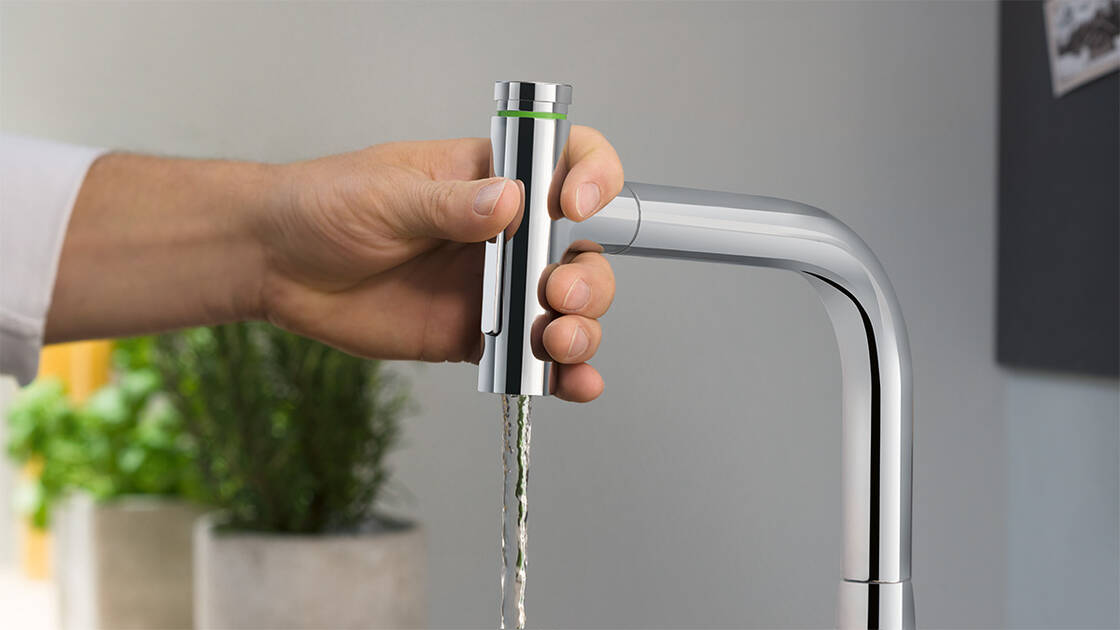
Kitchen faucets with Select technology
Select in the kitchen: Water, exactly how you want it
Water control at the touch of a button helps all kitchen chores to flow. There are two ways to use Select technology in our kitchen faucets:
- Turn the water flow on and off: With the two-spray Talis Select M51 and Metris Select M71 faucets with pull-out spray, you can control water intuitively with one hand once you’ve turned the faucet on. After getting the shower spray’s angle just right, use your thumb to conveniently start and stop the water flow using the Select button integrated into the spout.
- Switch spray mode using the Select button on the side: With Talis Select M54 PowderSpray, you can comfortably and conveniently switch from the gentle PowderSpray to the front spout. With Aquno Select M81, for example, you can use the Select button to switch between the pull-out spout and the flat spray for vegetables.
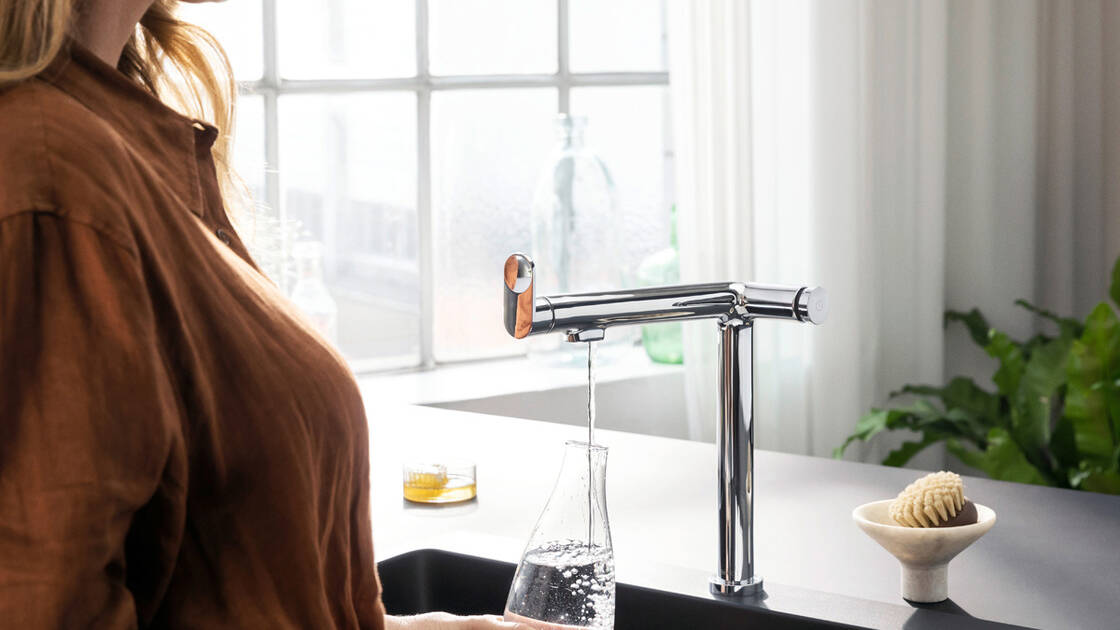
- With the Aqittura M91 FilterSystem, you can enjoy water to your exact taste. Pressing the Select button will switch from normal drinking water to filtered water from the faucet.
Please note: Select’s on/off function only works when water is already flowing from the kitchen faucet. If you are going to be away for an extended period, it’s best to turn the faucet off using the lever handle or separate operating lever.